 Zoom Slider
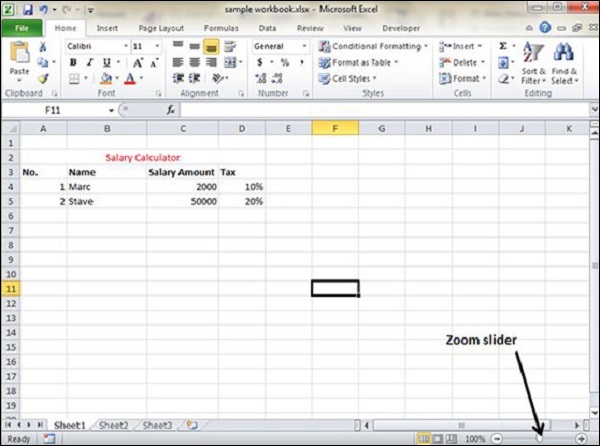
By default, everything on screen is displayed at 100% in MS Excel. You can change the zoom percentage from 10% (tiny) to 400% (huge). Zooming doesn’t change the font size, so it has no effect on the printed output.
You can view the zoom slider at the right bottom of the workbook as shown below.
Zoom In
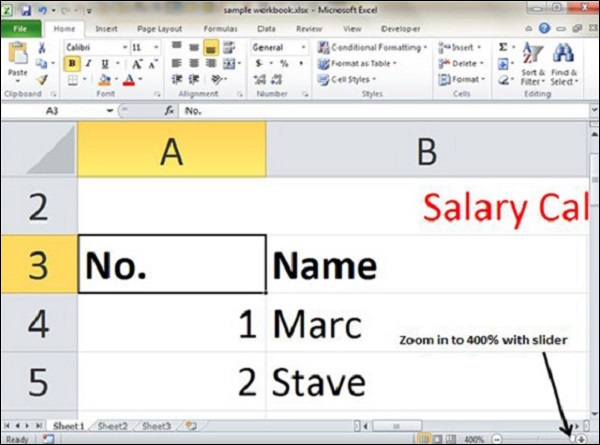
You can zoom in the workbook by moving the slider to the right. It will change the only view of the workbook. You can have maximum of 400% zoom in. See the below screen-shot.
Zoom Out
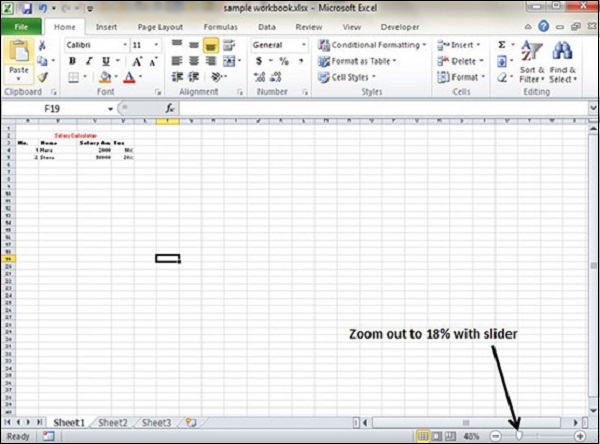
You can zoom out the workbook by moving the slider to the left. It will change the only view of the workbook. You can have maximum of 10% zoom in. See the below screen-shot.


No comments:
Post a Comment